
How Many Photos Do You Need for a 30-Second Time-Lapse?
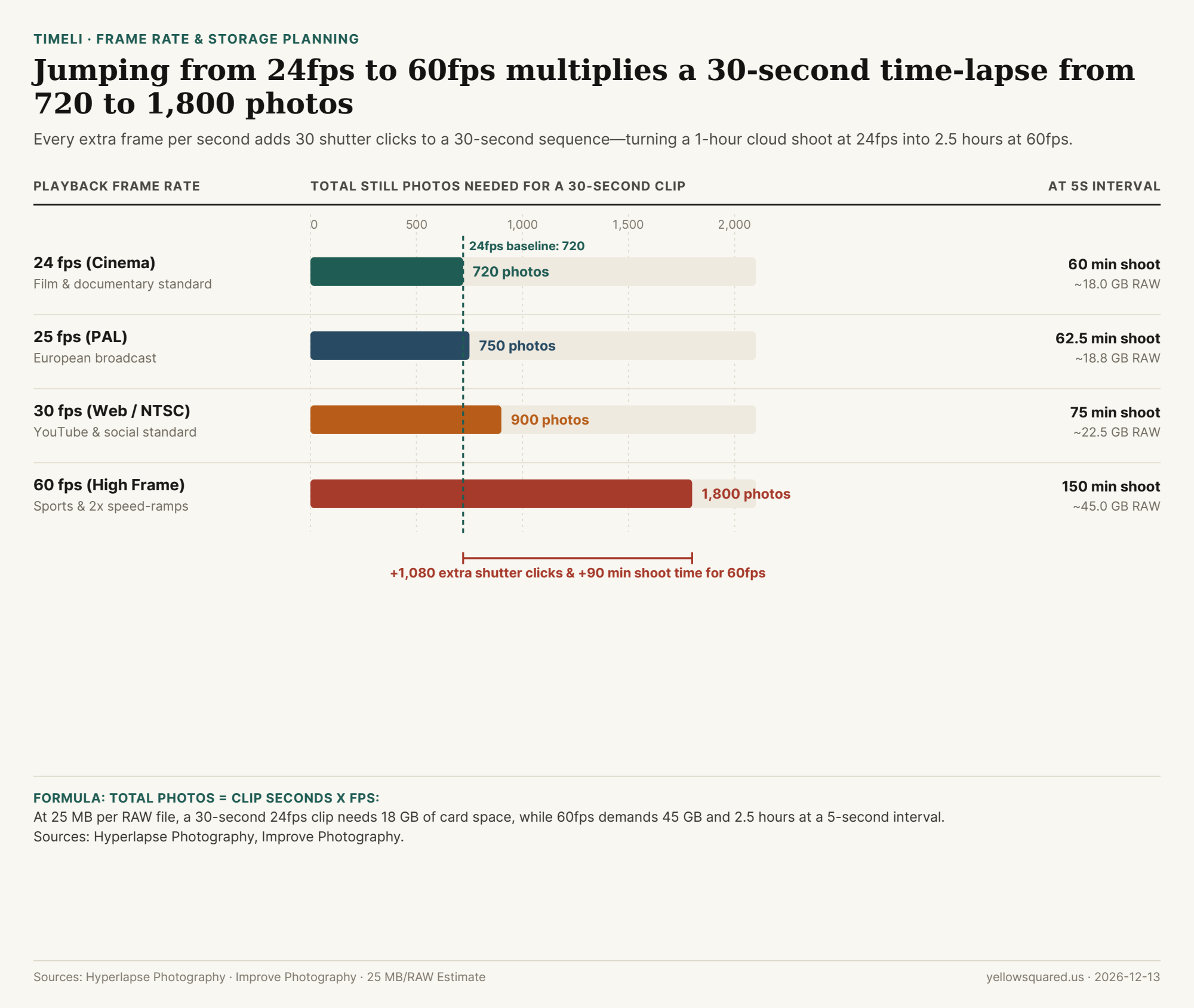
Most beginner time-lapses end up too short—only four or five seconds long—because photographers underestimate how many still frames video playback consumes. At 24 frames per second (fps), a full 30-second sequence requires 720 individual photos; bump your timeline to 60fps, and that same 30-second clip demands 1,800 photos.
The Frame-Rate and Storage Trade-Off
As Hyperlapse Photography and Improve Photography note, 24fps and 30fps remain the sweet spot for time-lapses because they preserve natural motion blur while keeping battery and SD card budgets manageable:
| Playback Rate | Photos for 30s Clip | Time at 5s Interval | RAW Space (at 25 MB/file) |
|---|---|---|---|
| 24 fps | 720 photos | 60 minutes | 18.0 GB |
| 25 fps | 750 photos | 62.5 minutes | 18.8 GB |
| 30 fps | 900 photos | 75 minutes | 22.5 GB |
| 60 fps | 1,800 photos | 150 minutes (2.5 hrs) | 45.0 GB |
"Every extra frame per second adds 30 shutter actuations to a 30-second clip—turning a 1-hour cloud session at 24fps into 2.5 hours at 60fps."
Before heading out with a spare battery and memory card, plan frame counts and interval duration in Timeli so your sequence hits your exact target length.