BatchPad
Photo Border & Aspect Ratio Studio
- iOS
- Android
- No account



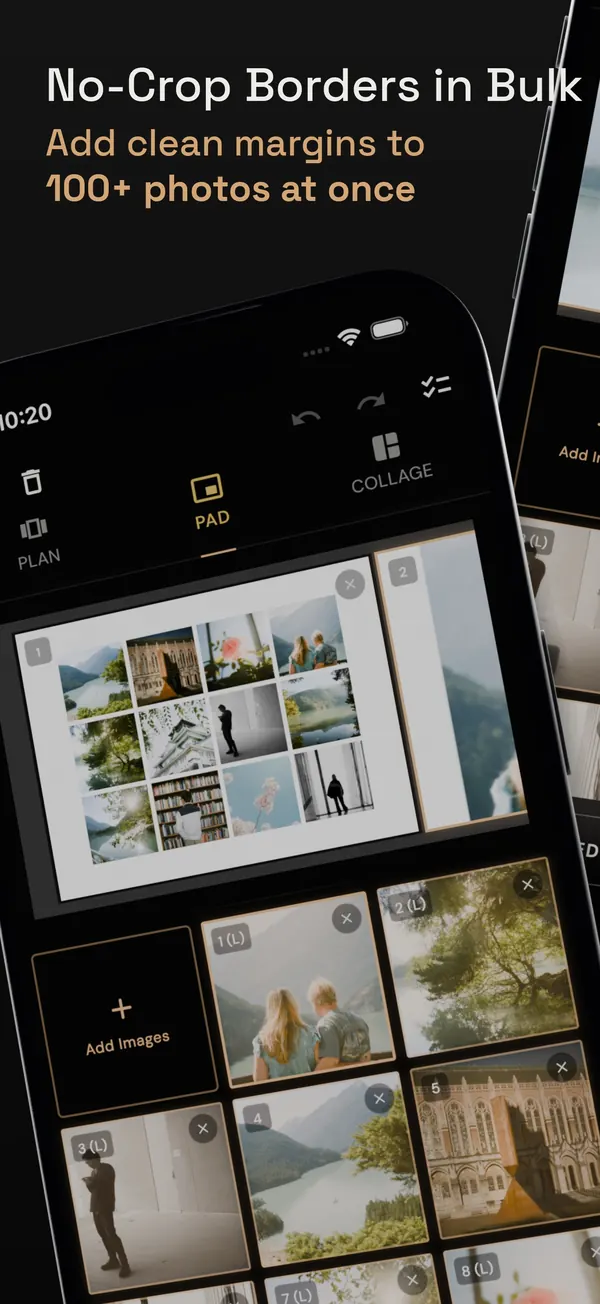
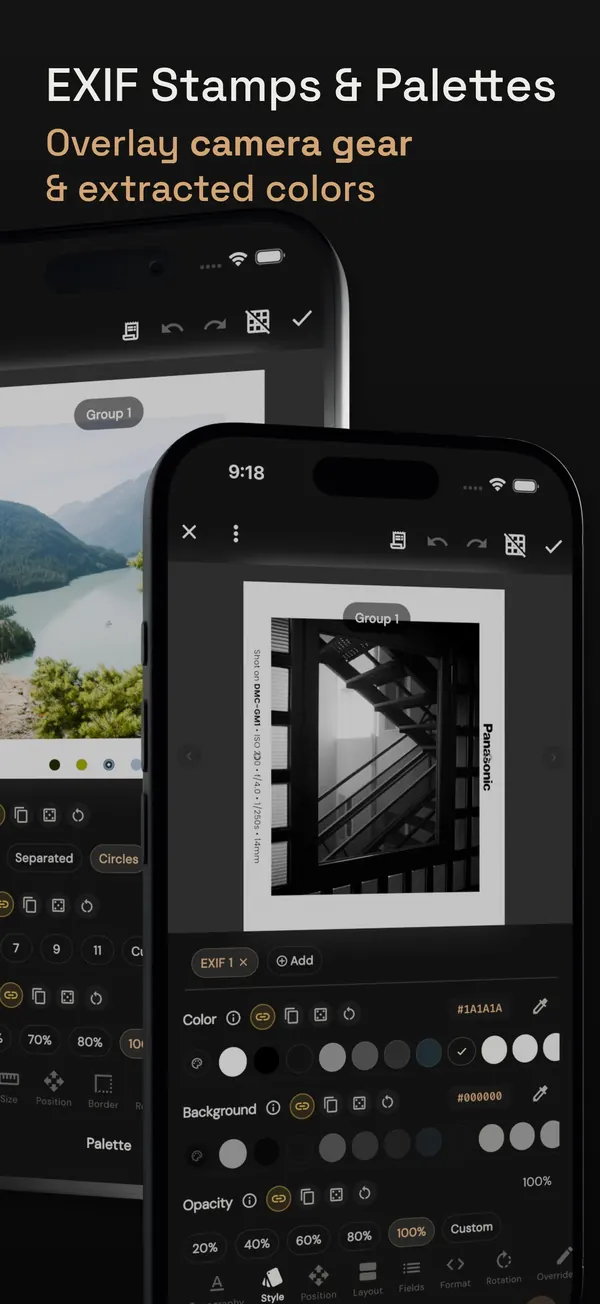
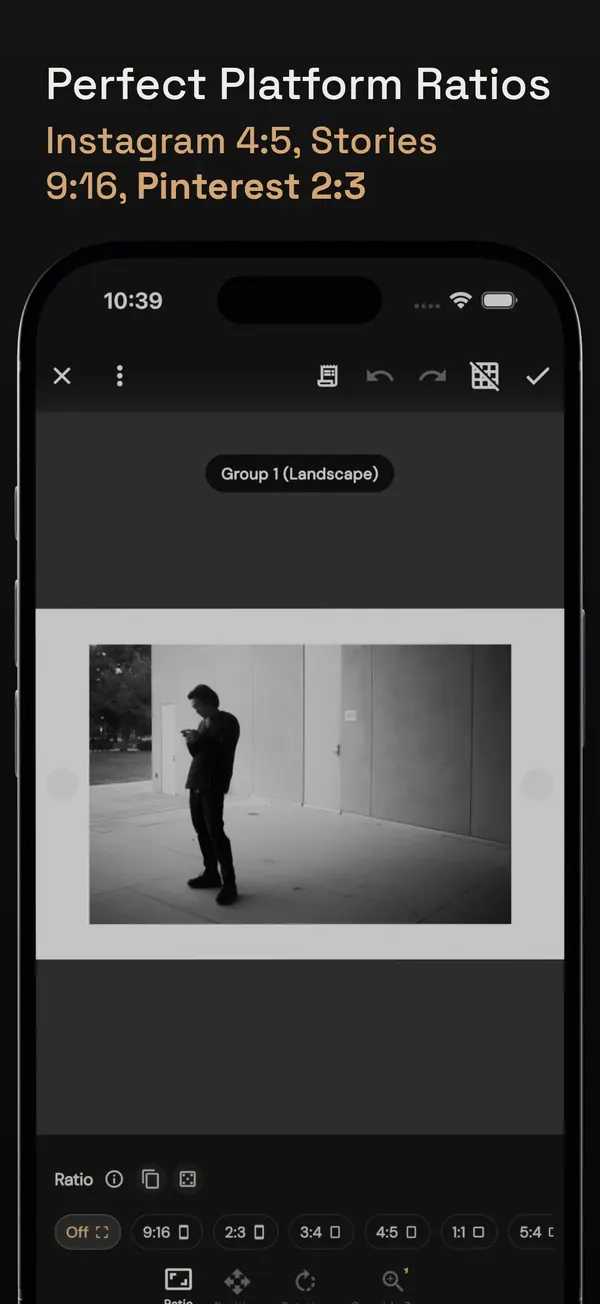
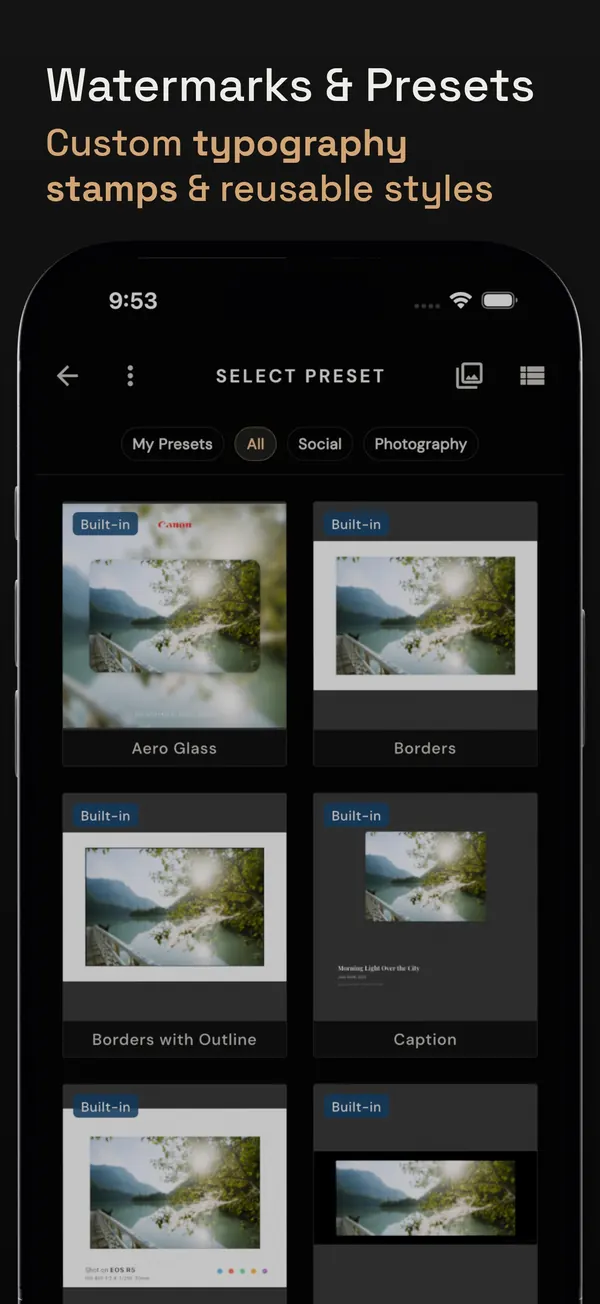
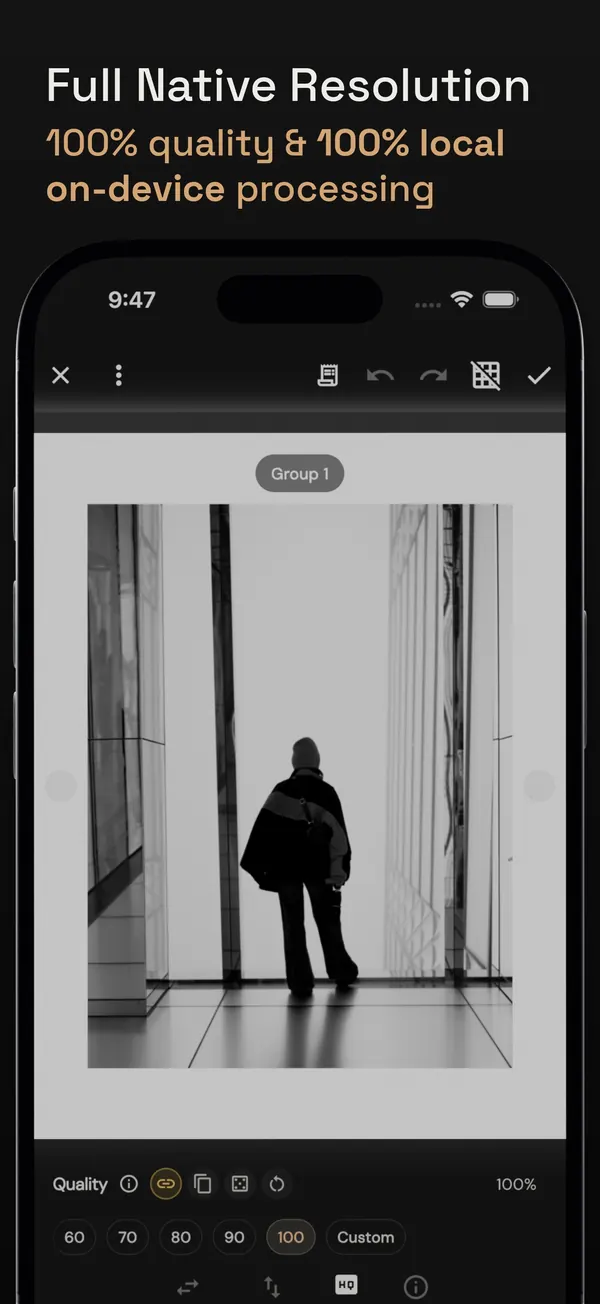
Frame 100+ photos at once into exact 4:5, 3:4, or 1:1 ratios without cropping a single pixel. Add custom EXIF stamps, smart color-matched borders, and watermarks at full native resolution.
01 // CAPABILITIES
Built for precision workflows.
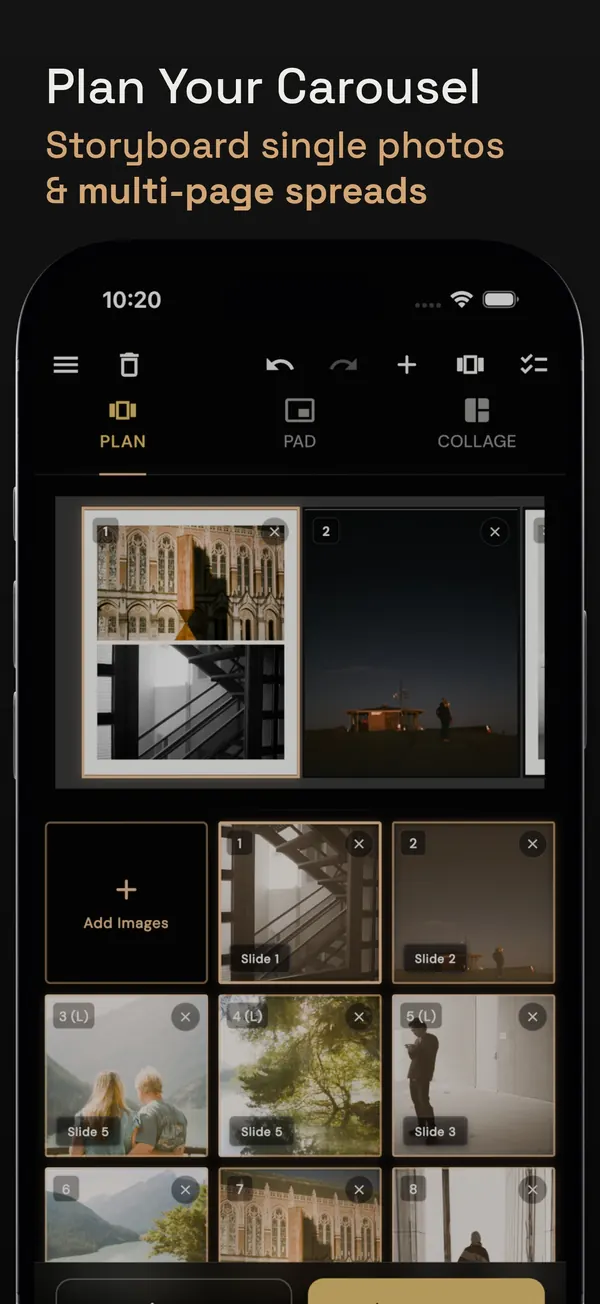
BatchPad, if you post to Instagram in batches: it fits photos into 4:5 or 1:1 with clean borders, never trims, and works 100% on device. If you need raw editing, layers, or AI retouching, use a full editor like Lightroom instead.
What BatchPad does
Prices and store details
Prices come from the U.S. App Store listing. Google Play listings show in-app purchases but do not publish exact amounts; prices can vary by country.
- Pro Monthly: $4.99 per month
- Pro Yearly: $19.99 per year
- Pro Lifetime: $49.99 one-time
Selected store reviews
Short excerpts from public store reviews.
-
“works great!”
Ricky · 5/5 on Google Play · BatchPad listing
-
“Love how easy it is”
Andy · 5/5 on Google Play · BatchPad listing
-
“finally found the answer”
Iliya · 5/5 on Google Play · BatchPad listing
Read more
- Instagram Image Sizes: Feed, Stories, Reels & Cropping Current Instagram photo sizes and aspect ratios: 3:4, 4:5, square and 9:16. Learn how to fit a full camera photo without cropping it.
- Instagram Aspect Ratios Compared: 3:4 vs 4:5 vs 1:1 vs 9:16 Compare Instagram photo sizes and aspect ratios. Learn when to use 3:4, 4:5, 1:1 or 9:16 for feed posts, Stories and Reels.
- How to Post a Landscape Photo on Instagram Without Cropping Instagram keeps photos between 1.91:1 and 3:4, so most landscapes need no crop. See what a 3:4 frame adds, what a crop removes, and solid vs blur fill.
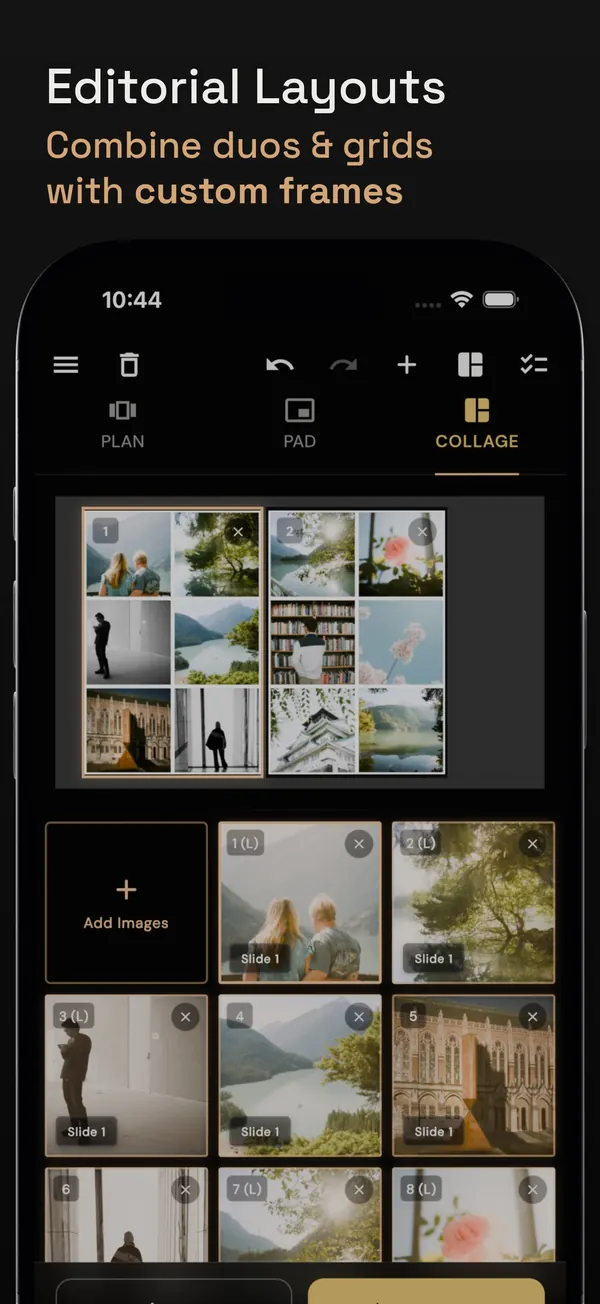
- Give One Photo the Lead: Choosing a Three-Image Collage Actual BatchPad renders show the same three photos in equal panels and a lead-photo layout. Compare crops, space and labels before sharing.
- Why a Sharp Camera Photo Can Look Soft on Instagram A large camera file and a small feed image serve different purposes. Learn what resizing changes, how to choose a crop, and how to judge the exported image.
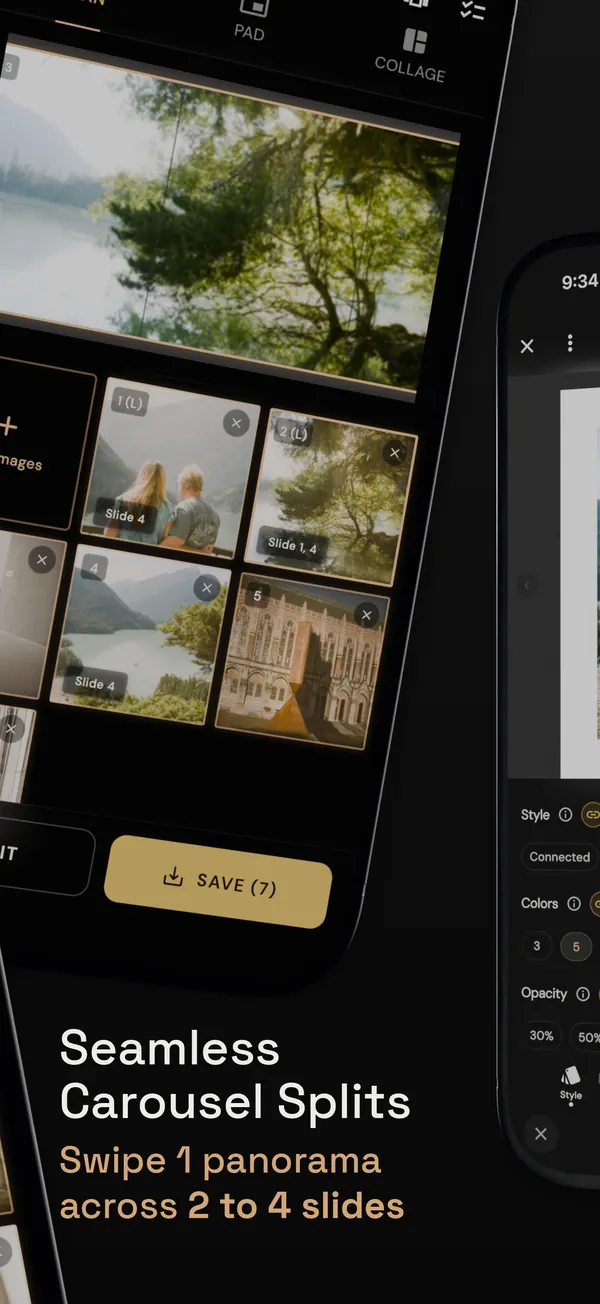
- How to Split a Panorama Across an Instagram Carousel Three portrait panels need a 12:5 master canvas, not a 3:1 crop. Calculate the full panorama first, then cut identical panels and inspect the seams.
- How to Batch Watermark Photos for a Portfolio Choose a restrained mark, test it across different photos, and check the exports before sharing a portfolio batch.
- How to Add EXIF Data to a Photo: Hidden Tags or Visible Text? Learn when to edit embedded EXIF metadata, adjust photo details, or add a visible camera-settings stamp to the image.
Questions about BatchPad
How does BatchPad prevent Instagram photo cropping?
More from YellowSquared
-
 Lumet
Portable Softbox & Studio Light
Lumet
Portable Softbox & Studio Light
-
 Name Scout
Data-Driven Baby Name Discovery
Name Scout
Data-Driven Baby Name Discovery
-
 Eranorms
Historical Weather & Climate Context
Eranorms
Historical Weather & Climate Context
-
 Pointsuno
Credit Card Points & Transfer Calculator
Pointsuno
Credit Card Points & Transfer Calculator
-
 Photowalks
Location Scouting & 3D Solar Simulator
Photowalks
Location Scouting & 3D Solar Simulator
-
 Timeli
Visual Timeline & Moment Logger
Timeli
Visual Timeline & Moment Logger
-
 Redberi
Seasonal Produce & Ripeness Field Guide
Redberi
Seasonal Produce & Ripeness Field Guide
-
 Tempo
Synchronized Multi-Timezone Dial
Tempo
Synchronized Multi-Timezone Dial